A Complete Guide to Buying a PC for Gaming
PC gaming has become one of the most popular ways to experience modern video games, offering better graphics, smoother performance, and more customization than consoles. However, buying a gaming PC can feel overwhelming, especially with so many components, brands, and price ranges to choose from. Understanding what matters most will help you make a smart purchase that fits your budget and gaming needs.
Why Choose a Gaming PC?
One of the biggest advantages of a gaming PC is flexibility. Unlike consoles, a PC can be upgraded over time. You can replace individual parts such as the graphics card or add more memory without buying an entirely new system. Gaming PCs also support higher frame rates, better visual settings, mods, and multitasking, making them ideal for gamers who want performance and freedom.
Additionally, a gaming PC can be used for much more than gaming. Streaming, video editing, programming, and everyday tasks all benefit from the powerful hardware found in gaming systems.
Setting a Budget
Before buying anything, it’s important to set a budget. Gaming PCs generally fall into three categories:
-
Entry-level ($600–$900): Suitable for esports and lighter games like Fortnite, Valorant, CS2, or Minecraft at medium to high settings.
-
Mid-range ($1,000–$1,500): Ideal for modern AAA games at high settings and 1080p or 1440p resolution.
-
High-end ($1,600+): Built for ultra settings, 4K gaming, ray tracing, VR, and future-proof performance.
Knowing how much you’re willing to spend will help narrow your options and prevent overspending on features you may not need.
Key Components to Consider
When buying a gaming PC, the internal components matter more than brand names or flashy designs.
Graphics Card (GPU)
The graphics card is the most important component for gaming performance. It determines how well games run and how good they look. Popular GPU brands include NVIDIA (GeForce RTX series) and AMD (Radeon RX series).
If gaming is your main goal, prioritize the GPU over other parts. A stronger graphics card will provide higher frame rates and better visuals.
Processor (CPU)
The CPU handles game logic, physics, and background tasks. While it’s important, it doesn’t need to be as powerful as the GPU for most gaming scenarios. Look for modern processors with at least 6 cores, such as AMD Ryzen 5 or Intel Core i5 models.
A balanced CPU and GPU combination prevents performance bottlenecks.
Memory (RAM)
For modern gaming, 16GB of RAM is the recommended standard. While 8GB can still run some games, it may cause stuttering or slowdowns in newer titles. More RAM also helps with multitasking, streaming, and running background applications.
Storage: SSD vs HDD
Storage affects loading times, not frame rates. A solid-state drive (SSD) is essential for fast boot times and quick game loading. Many gaming PCs now include NVMe SSDs, which are even faster.
A good setup is:
-
500GB or 1TB SSD for the operating system and main games
-
Optional HDD for extra storage if you have many large files
Power Supply (PSU)
A quality power supply ensures system stability and protects your components. Avoid cheap, unbranded PSUs. Look for reputable brands and an 80+ Bronze or Gold efficiency rating. Make sure the wattage supports your GPU and future upgrades.
Cooling and Case
Gaming PCs generate heat, especially during long gaming sessions. Good airflow and proper cooling help maintain performance and extend component lifespan. Many cases come with multiple fans, and higher-end systems may use liquid cooling.
While RGB lighting and design are optional, airflow and build quality should come first.
Prebuilt vs Custom-Built Gaming PCs
You have two main options when buying a gaming PC:
Prebuilt PCs
Prebuilt systems are convenient and ready to use. They come with warranties and technical support, making them ideal for beginners. However, they can be more expensive and sometimes use lower-quality parts in areas like power supplies or cooling.
Custom-Built PCs
Building your own PC often offers better value and complete control over components. It can be cheaper for the performance you get, but it requires research, time, and basic technical knowledge.
If you don’t want to build it yourself, many stores offer custom PC building services using parts you choose.
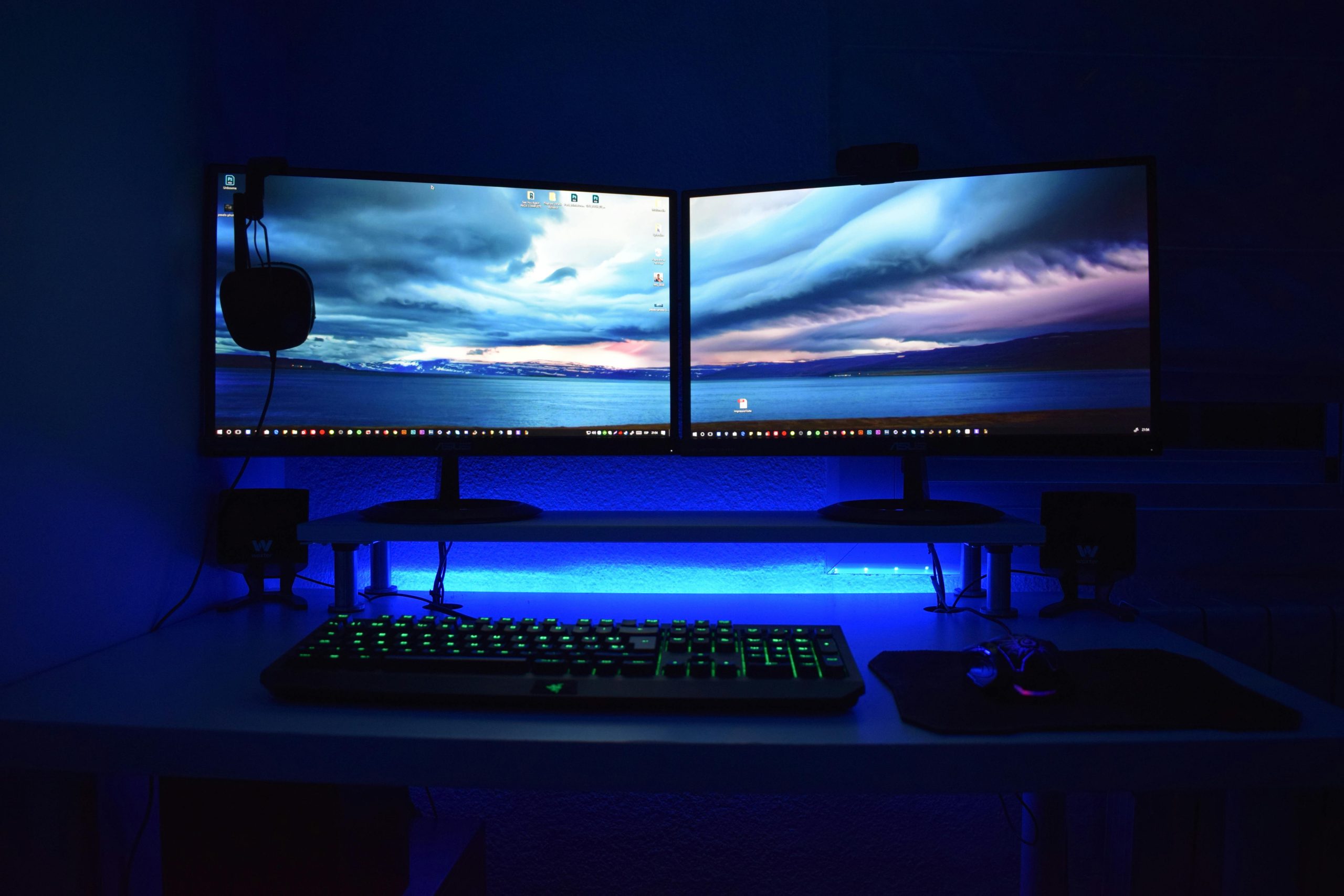
Monitor, Keyboard, and Other Accessories
A gaming PC is only as good as the setup around it. A high-refresh-rate monitor (144Hz or higher) can dramatically improve smoothness, especially for competitive games. Mechanical keyboards, gaming mice, and quality headsets also enhance the experience but can be upgraded later.
Future-Proofing Your Purchase
Technology evolves quickly, but smart choices can extend the life of your PC. Choosing a slightly stronger GPU, a modern CPU platform, and a good motherboard can make future upgrades easier. Avoid outdated components, even if they’re cheaper.
Final Thoughts
Buying a gaming PC doesn’t have to be complicated. By understanding your budget, knowing which components matter most, and choosing a balanced system, you can enjoy smooth, immersive gaming for years. Whether you choose a prebuilt system or build your own, a well-chosen gaming PC offers performance, flexibility, and value that few other platforms can match.